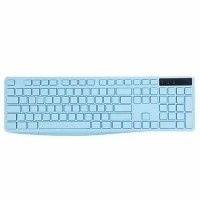
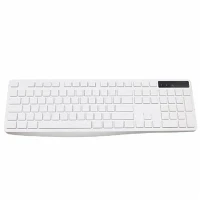
The use of computer keyboard shortcut keys can improve work efficiency. The so-called shortcut keys are to use a certain key or a combination of several keys on the keyboard to complete a function command, so as to achieve the purpose of improving the operating speed. Good at using shortcut keys to use the computer more quickly, so what are the computer keyboard shortcuts? Here is a brief introduction to the computer keyboard shortcuts.
Computer keyboard shortcuts
Ctrl+1, 2, 3... Function: switch to the 1,2,3...th label from the left
Ctrl+A function: select all the content of the current page
Ctrl+C function: copy the currently selected content
Ctrl+D function: open the "Add Favorites" panel (add the current page to the favorites)
Ctrl+E function: open or close the "search" sidebar (various search engines are optional)
Ctrl+F function: open the "find" panel
Ctrl+G function: open or close the "simple collection" panel
Ctrl+H function: open the "History" sidebar
Ctrl+I function: open the "favorites" sidebar / another: restore all vertically tiled or horizontally tiled or stacked windows
Ctrl+K function: close all labels except the current and locked labels
Ctrl+L function: open the "open" panel (you can open the Internet address or other files on the current page...)
Ctrl+N function: create a new blank window (can be changed, Maxthon option→label→new)